In Eclipse:
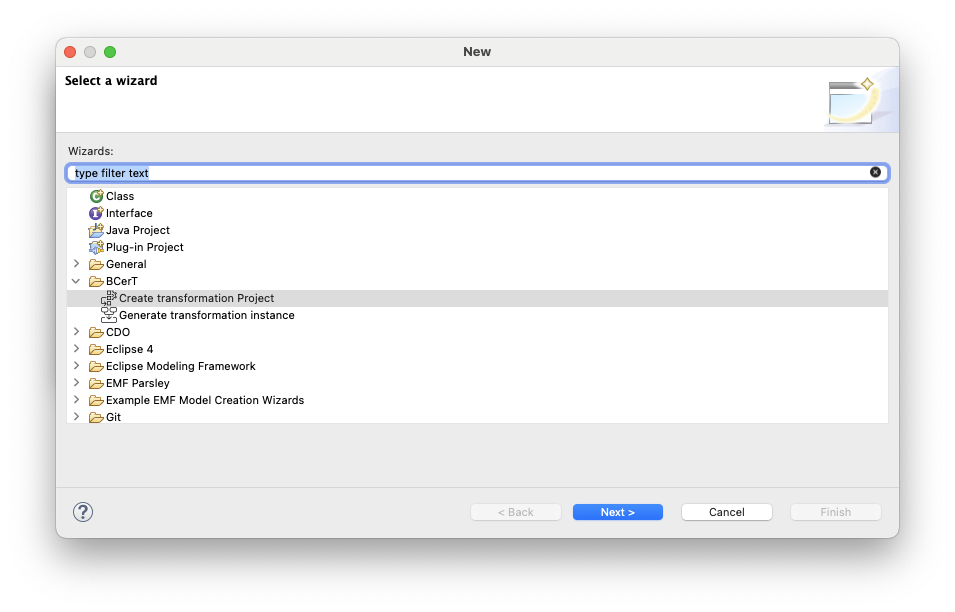
- Go to File → New → Other
-
Select: BCerT → Create transformation project
-
Click Next
-
Enter the name of the transformation project. For example:
pivot
Tip: The project name (here
pivot) is important because BCerT automatically creates an Ecore package with this name. The package will contain the transformation elements required for the next steps.-
Click Next.
-
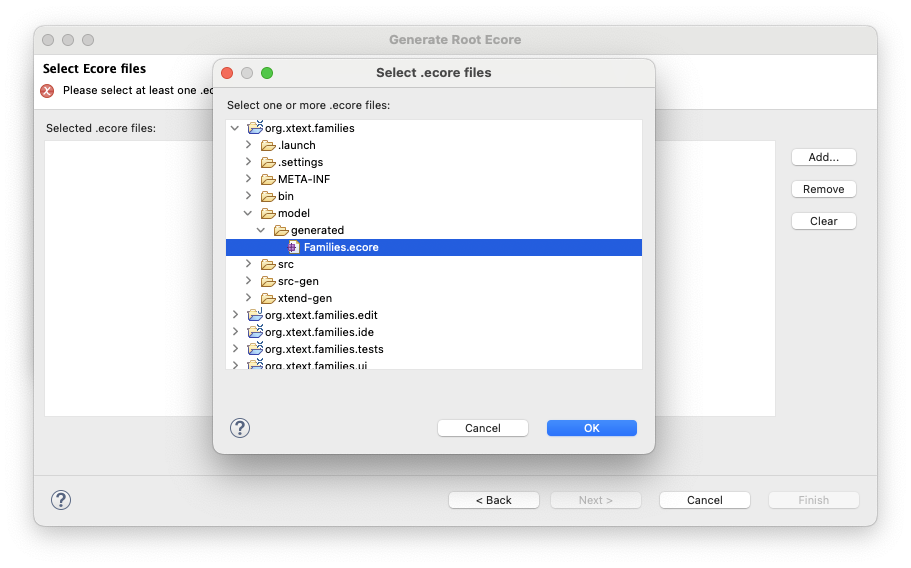
Add the
.ecorefiles of your input and output languages.
For example:Families.ecoreandPersons.ecore. These files are typically located in:model/generated
-
Click Next.
-
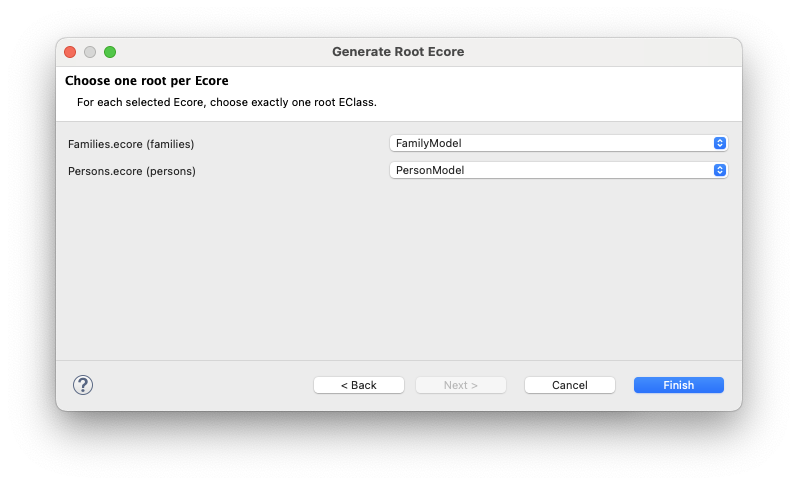
Select the root class for each metamodel. In our example:
FamilyModelfor the Families metamodelPersonModelfor the Persons metamodel
-
Click Finish. BCerT creates a new Ecore project containing two files:
pivot.ecoreandpivot.genmodel -
Open the file
pivot.genmodel -
Right-click on the root element and generate the EMF code:
- Generate Model Code
- Generate Edit Code
- Generate Editor Code
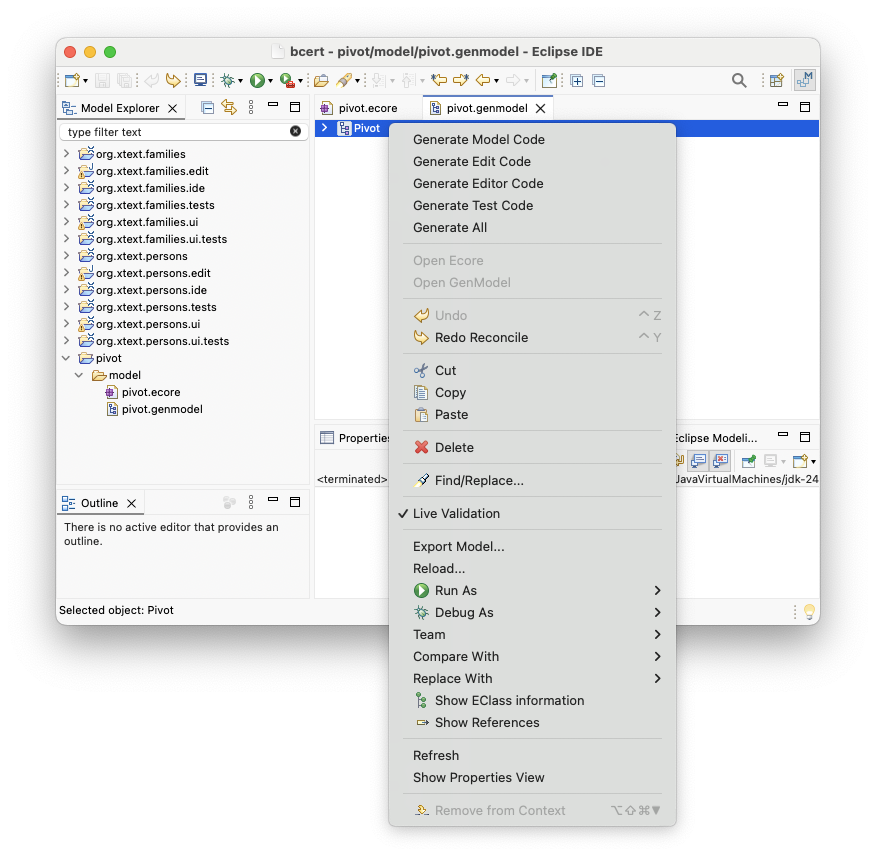
This step generates the EMF model implementation, the editing support, and the Eclipse editor for the pivot metamodel used by the transformation.